The Back Pain Crisis in Indian Offices
Lower back pain has become the defining occupational health issue of India’s IT and service sectors. Orthopaedic outpatient departments in cities like Bengaluru, Pune, Hyderabad, and Delhi report a consistent rise in patients aged 25–40 presenting with chronic lumbar strain — all of them desk workers.
The numbers aren’t anecdotal. A 2023 survey of 1,800 Indian IT employees found that 63% reported regular lower back pain, and 41% said it affected their work performance. More alarmingly, 28% had begun taking over-the-counter painkillers as a routine part of their workday.
of Indian IT workers surveyed reported regular lower back pain — and 41% said it affected their daily work performance
This is not inevitable. Lower back pain in office workers is overwhelmingly a postural and ergonomic problem — not a structural one. Which means it’s fixable. This guide shows you exactly how.
The Anatomy of Lumbar Pain at a Desk
The lumbar spine — the lower five vertebrae (L1–L5) — bears the majority of your body’s compressive load whether you’re standing or sitting. When you sit with proper posture, the lumbar spine maintains its natural inward curve (lordosis), distributing load evenly across the discs.
When you slump — which is what untrained sitting defaults to within 10–15 minutes — this curve reverses. The posterior discs bear disproportionate pressure, the surrounding muscles fatigue as they try to compensate, and over months and years, you get chronic strain, disc bulges, and radiating pain.
What Happens to Your Spine When You Sit
Without lumbar support Lordosis flattens or reverses; disc pressure increases 40–80% vs standing; hip flexors tighten; posterior muscles fatigue within 30 minutes
With correct lumbar support Natural S-curve maintained; load distributed across all lumbar discs; posterior chain muscles stay relaxed; hip angle optimal at 90–100°
Unsupported forward lean Common when desk is too low; thoracic spine rounds; cervical spine compensates forward; triples neck load to 18–27 kg equivalent
Screen at eye level, back supported Neck load drops to 5 kg equivalent; lumbar muscles work at 30% capacity vs unsupported; pain risk drops significantly
Research shows disc pressure while sitting unsupported (1.85 MPa) is higher than while standing (1.0 MPa). You put more load on your lower back by sitting poorly than by walking around. Adding lumbar support brings sitting disc pressure close to standing levels.
Why Indian Office Setups Cause Pain
Most Indian office chairs and home workspaces share a set of design problems that almost guarantee lumbar strain for the average Indian body.
Chair Problems
The majority of chairs sold in India — from affordable mesh options to basic executive chairs — are designed with Western body proportions in mind. The average Indian male height is 5’5” and average female height is 5’1”, compared to 5’10” and 5’5” in the West. Chairs with lumbar support positioned for a taller body will place the support at mid-back rather than the lower lumbar, providing zero functional benefit and sometimes making posture worse.
Desk Height Problems
Standard Indian office desks are built at 75–76 cm height — the international standard — but are often used without height-adjustable chairs. For someone 5’4” tall sitting in a standard chair, this typically means the desk is 5–8 cm too high, forcing them to shrug their shoulders or lean forward. Both patterns directly load the lumbar spine.
WFH and Floor-Level Working
An estimated 60% of Indian remote workers work from the bed or floor at least part of the day. Working cross-legged or lying on the stomach while using a laptop creates extreme lumbar flexion loads. Even brief periods (2–3 hours) in these positions can trigger multi-day soreness.
“Working from the bed for even 2 hours — laptop on your lap, leaning slightly forward — puts your lumbar discs under the equivalent of carrying a 15 kg backpack. Do this daily, and chronic lower back pain isn’t a question of if, only when.”
The Correct Lumbar Support Setup
Proper lumbar support involves more than buying a cushion. The entire sitting chain — feet, seat depth, lumbar position, desk height, screen position — needs to be correct for it to work.
-
1
Set Chair Height First
Your feet should be flat on the floor with thighs parallel to the ground (90–100° hip angle). If the chair is too high for this, use a footrest. Never sacrifice this foundation for anything else — all other adjustments depend on it.
-
2
Position Lumbar Support at L3–L4
The correct lumbar support position is at the natural inward curve of your lower back — roughly at belt height, 15–25 cm above the seat. Too high and it pushes on mid-back; too low and it misses the lordotic curve entirely. Place two fingers just above your belt at the spine: that’s your L4 vertebra. Centre the lumbar support there.
-
3
Maintain 2–4 cm of Support Depth
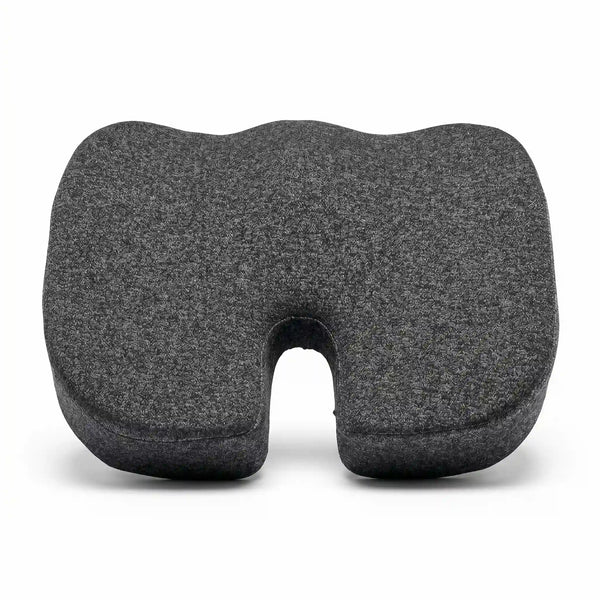
Lumbar support should fill the gap between your lower back and the chair without pushing you into an exaggerated arch. If it forces you to sit unusually upright or creates discomfort, it’s too firm or too deep. A good lumbar pillow compresses to the right depth under your weight.
-
4
Adjust Desk Height
With correct chair height and lumbar support, your arms should rest on the desk with elbows at approximately 90°. If the desk is too high (very common in Indian setups), try a thinner desk pad or a cushion under your seat to fine-tune. The ideal is that you’re not shrugging or reaching up.
-
5
Bring Screen to Eye Level
The top of your screen should be at or very slightly below eye level. Laptop users nearly always have screens too low — use a stand with a separate keyboard. Even adding a ₹200 book stack under your laptop is better than the forward head posture caused by a screen that’s 20 cm below eye level.
Lumbar Pillow vs Built-in Chair Support
| Factor | External Lumbar Pillow | Built-in Chair Support |
|---|---|---|
| Adjustability | Fully adjustable — reposition anytime | Limited to chair’s built-in range |
| Indian Body Fit | Better — can position precisely for shorter frame | Often mis-positioned for Indian body proportions |
| Cost | ₹400–₹2,500 for quality lumbar cushion | Ergonomic chairs with good lumbar: ₹8,000–₹40,000+ |
| Portability | Use across office chair, car, sofa, train | Fixed to one chair |
| Immediate Upgrade | Works on any existing chair | Requires purchasing a new chair |
| Best For | Most Indian office workers and WFH setups | Heavy desk users with budget for a proper ergonomic chair |
Verdict: For most Indian workers, a quality external lumbar pillow positioned correctly on an existing chair outperforms the built-in support on most budget ergonomic chairs (under ₹12,000). The key is correct positioning — not just having the support, but having it in the right place.
The Sleep-Back Pain Connection You’re Ignoring
Lower back pain and poor sleep form a vicious cycle that most sufferers don’t recognise. Poor lumbar support during 8 hours of sleep continues the postural damage that sitting at a desk began. Then unrefreshed sleep leads to muscle tension and reduced pain tolerance the next day.
Orthopaedic consultants increasingly recommend addressing sleeping posture alongside daytime ergonomics. Sleeping on your back with a pillow under your knees, or on your side with a pillow between your knees, maintains lumbar alignment during sleep and significantly accelerates recovery from daytime-induced lower back strain.
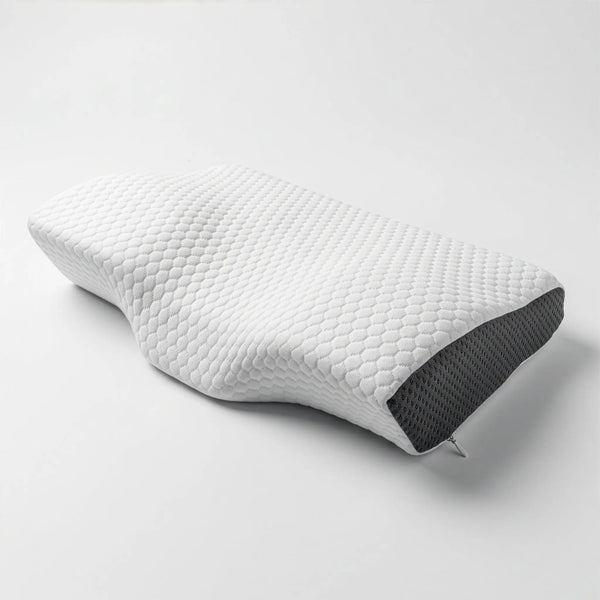
A supportive neck pillow also matters here. When your neck is unsupported or misaligned during sleep, your entire spine compensates — and the lumbar region bears a disproportionate share of that compensatory tension. This is why neck pillow quality affects lower back pain, even though the contact point is metres away.
What Indian Workers Say
“I spent ₹18,000 on an ‘ergonomic chair’ that didn’t help my back at all. A colleague suggested I try repositioning the lumbar support and adding a firm pillow. Three weeks later — genuinely no more lower back pain. I could have saved ₹15,000 and just bought a good pillow first.”
“I work 10 hours a day on my laptop from home. The lower back pain was so bad I was taking ibuprofen every day. Following this guide’s desk setup advice — screen raised, lumbar pillow at belt height — the pain is maybe 20% of what it was. That’s a life change, not just ‘a bit better’.”
“The Cosymor pillow works nicely as a lumbar support too — I use it behind my back during morning calls and under my head at night. The firmness is right for both. Buying a dedicated lumbar pillow separately felt wasteful; this solved two problems.”
Your 7-Step Action Plan (Starting Today)
- Set chair height so both feet are flat on the floor
- Place a firm support at L3–L4 (belt height) — even a folded towel works as a test
- Raise your screen to eye level — use a book stack, monitor stand, or laptop raiser
- Sit back fully in the chair (don’t perch on the edge — the entire back should contact the support)
- Take a 2-minute standing break every 45–50 minutes — set a timer
- Check your sleep posture — side sleeper? Add a pillow between your knees; back sleeper? Pillow under knees
- Address your neck pillow — head and neck alignment during sleep affects your entire spine recovery overnight
Lower back pain in Indian office workers is almost always a postural problem with a structural solution. Getting the lumbar position correct — at L3–L4, 15–25 cm above the seat, with 2–4 cm of support depth — is the single highest-impact intervention you can make today, with no equipment cost.
Combine this with screen height, regular movement breaks, and proper spinal alignment during sleep, and most chronic lower back pain among desk workers improves within 2–4 weeks. The issue is not that these solutions are unknown — they’re well-established. The problem is that most people never learn the specifics until they’re in enough pain to see a physiotherapist.
Now you have them. Act on it today, not next month.